
From Course Portal to Operations Engine: Rebuilding PortalEngine Ed-Tech at Scale
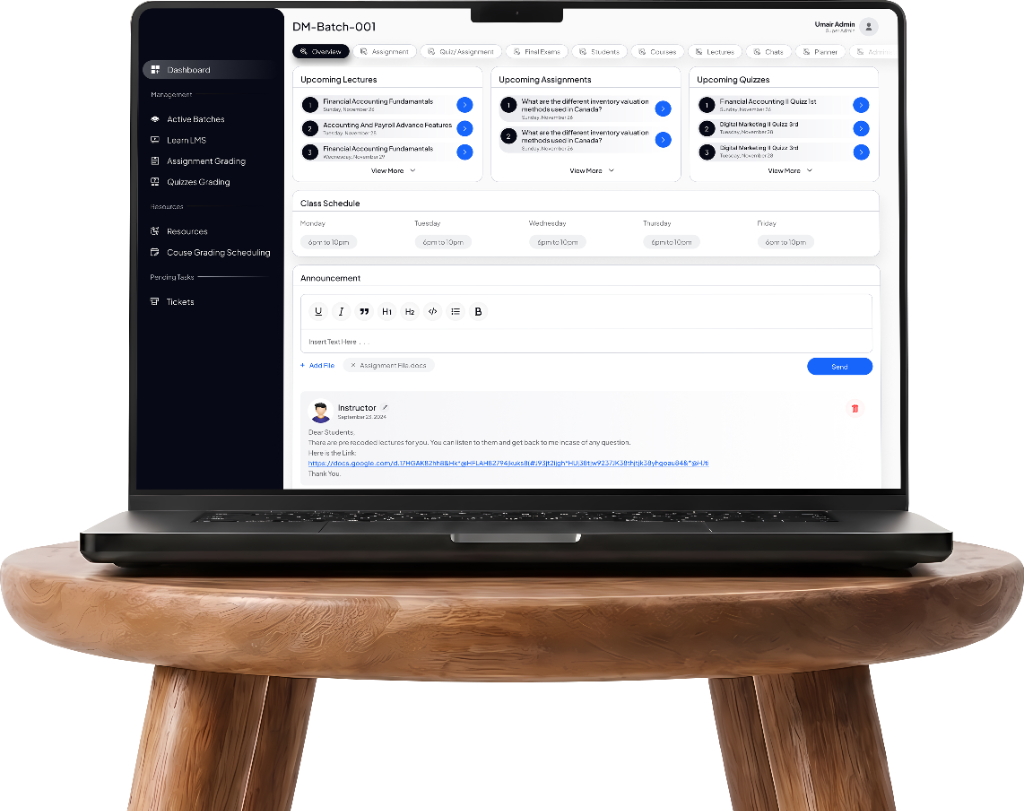
The brief was a learning portal. The real problem was a fragmented institutional journey. Bridgepro became the operational core for 20,000+ students — cutting manual admin work 40%.
Bridgepro is a custom-built LMS and education-operations platform for institutions running multiple campuses and complex, overlapping user roles. Rather than another course-delivery portal, it's built to run the full institutional lifecycle — from prospective student approval through batch assignment, scheduling, and final certification.
Prospective student approval
Admissions triage & verification
Batch assignment
Cohort balancing & campus sync
Scheduling
Live lectures & room allocation
Final certification
Automated credentials & audit
UX/UI Designer, end-to-end, alongside a 10+ person cross-functional team spanning engineering, marketing, and a dedicated project owner. Shipped in phases over two years: first phase live within months, audit-ready platform inside the first year.
Students onboarded
Institutional scale across multiple campus networks.
Live Zoom lectures supported
Native SDK video lectures without external tool hopping.
Less manual admin work
From automated approvals, batches, and certification.
Fragmented Systems & Blind Spots
Before Bridgepro, running the institution meant stitching disconnected systems together by hand. Enrollment approvals, batch assignments, scheduling, and certification each lived in their own workflow, so delays piled up at every handoff and small errors went unnoticed until they got expensive. Leadership had almost no real-time visibility into where a given student actually stood in their journey.
Scale Without Administrative Bloat
The goal was never a nicer-looking course portal. It was a system that could scale — more students, more campuses — without scaling the administrative headcount needed to run it. That meant designing one connected journey for five very different audiences: students, teachers, administrators, marketing, and finance.
Role-Based Views of the Bridgepro Platform
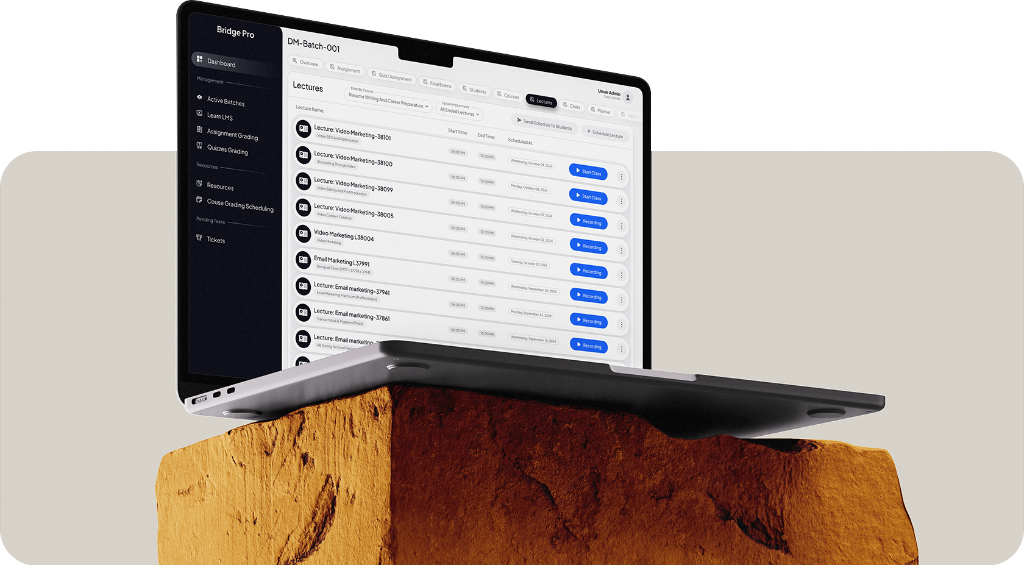
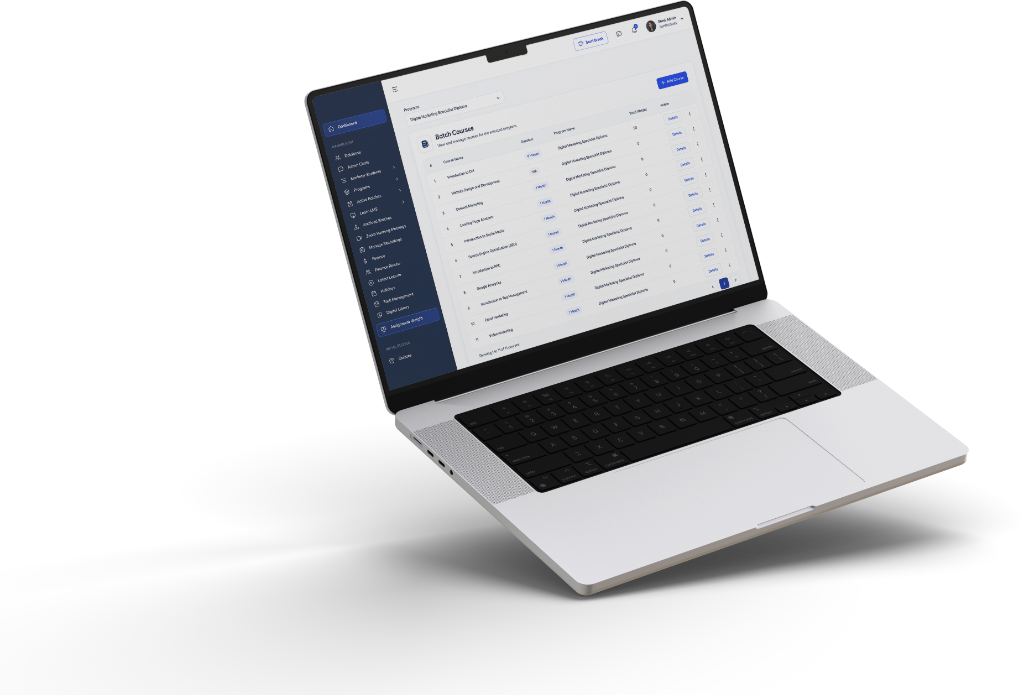
Grouped columns & familiar table structure
Prioritizing operational completeness and dense data scannability over sparse whitespace.
Scannable lifecycle status chips
Instant visual confirmation of student milestone (Approval, Batch, Schedule, Certified).
Role-specific navigation rail
Dedicated workspaces tailored to administrators, instructors, finance, and marketing.
Continuous Workflow Analysis Across Teams
Discovery ran continuously through the build rather than as an upfront phase — workflow analysis across departments, tracing how approvals, assignments, and records actually moved (or didn't) between teams.
Institutional Fragmentation As Core Bottleneck
That process surfaced the real problem: this was never just a course-delivery challenge, it was institutional fragmentation — the same student's data, communication, and progress scattered across roles with no shared source of truth. That reframe changed the brief. Bridgepro stopped being a learning portal and became an education-operations ecosystem, designed around how the institution actually ran, not just how students took classes.
Operational Judgment & Conscious Trade-offs
Density over decoration
Administrators needed to move through dense student databases quickly, not admire whitespace. I prioritized operational completeness — grouping, familiar table structures, scannable data — over a leaner, more minimal interface. For expert daily users, speed of use beat visual simplicity.
Reliability over real-time
Live features like chat and activity feeds get expensive at scale. Instead of building universal real-time behavior, I structured data channels around specific roles and contexts, trading some immediacy for a system that would hold up as usage grew.
The dashboard that didn't survive
An early version gave every user the same dashboard. It didn't hold up: administrators needed enrollment and finance data front and center, students needed upcoming assignments, and neither group needed the other's. I rebuilt it as role-specific navigation and dashboard states — a small change that cut cognitive load and made the product feel built for each role, not just adapted to it.
Handoff documentation covered component behavior, role-based states, and validation logic for the platform's forms and filters — details that mattered more here than usual, given how much of the interface changed depending on who was looking at it.
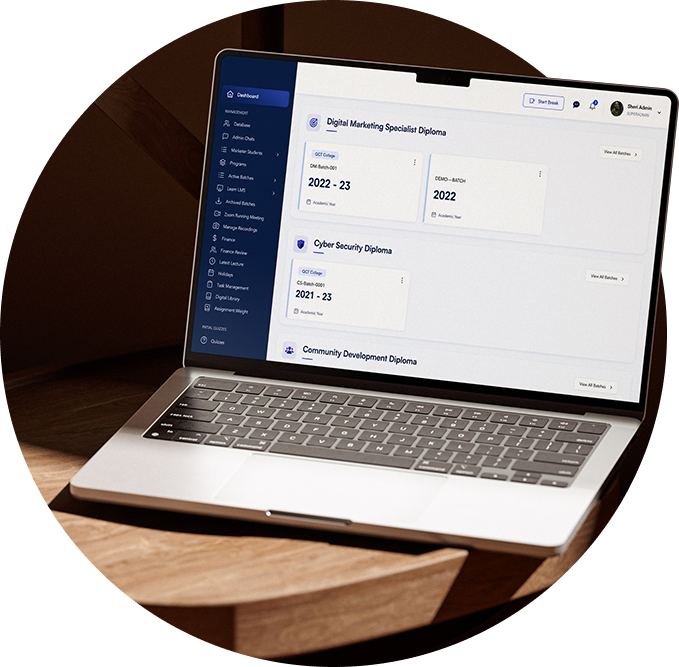
The most technically involved piece was the Zoom SDK integration, built to feel native to Bridgepro rather than an embedded third-party tool: lectures lived inside the same system a student or teacher was already using, not a separate app they had to jump into.
Centralizing Student Operations
Centralizing student management and automating the repetitive parts of data handling paid off in the numbers and in day-to-day experience:
students onboarded
proof the system holds up across campuses, not just in a pilot.
less manual admin work
from automating enrollment, records, scheduling, and document generation.
live Zoom lectures delivered
the integration held up under real, sustained classroom use.
Unified Institutional Cockpit
administrators and finance teams could see academic and financial status in one place, with better day-to-day engagement across every role on the platform.
Figures as reported for the Bridgepro platform. Graphics are illustrative.
Comprehensive System Architecture
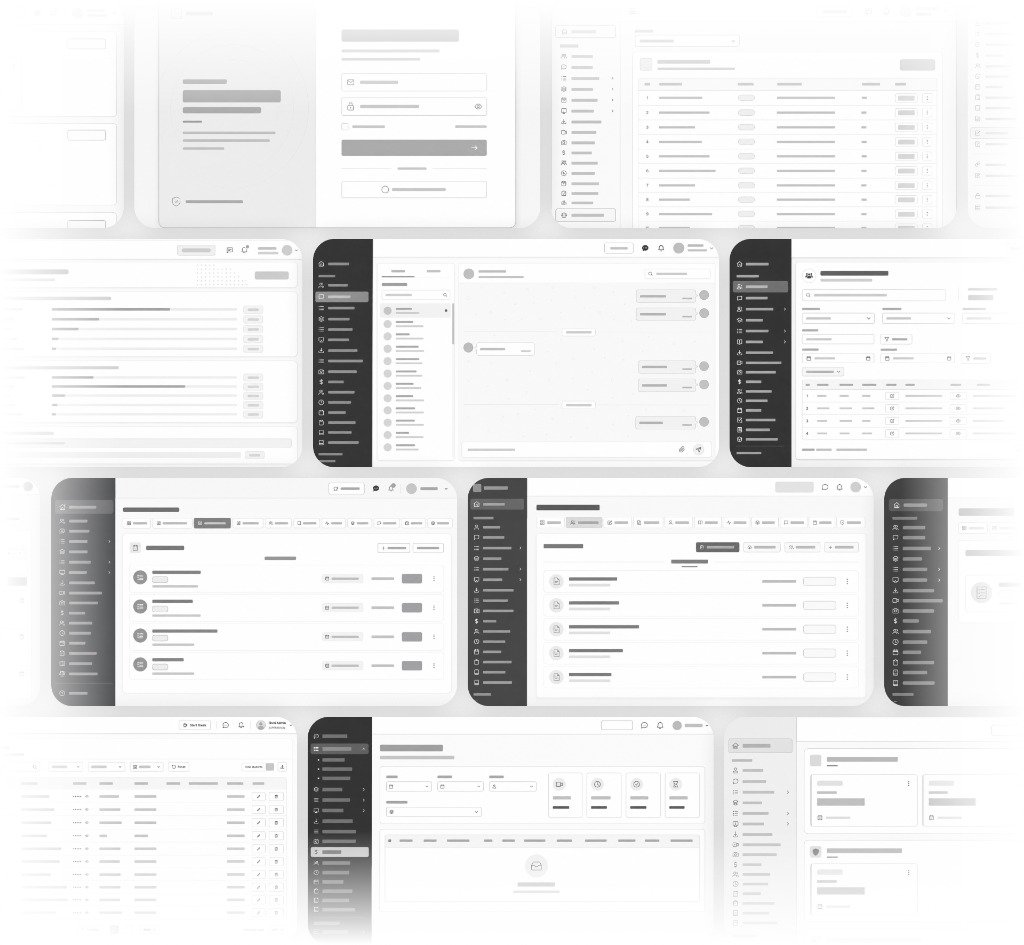
Comprehensive role states, edge cases, and multi-campus configurations
Systems Thinking & Honest Hindsight
Bridgepro pushed me to stop thinking in individual screens and start thinking in systems — every design decision has a ripple effect on some other role's workflow, and the job is to catch that dependency before it becomes a support ticket.
If I were starting today, I'd do two things differently: build the formal design system earlier, before the platform grew into dozens of modules, and instrument product analytics from day one, so friction points get diagnosed from real usage data instead of relying mostly on stakeholder feedback.
Lay atomic tokens down before expanding into dozens of complex departmental modules.
Diagnose workflow friction from telemetry rather than relying solely on stakeholder meetings.
Need a system built around how your business really runs?
Book a free growth audit and we'll show you where to start.
No obligation. No long-term contract required.